

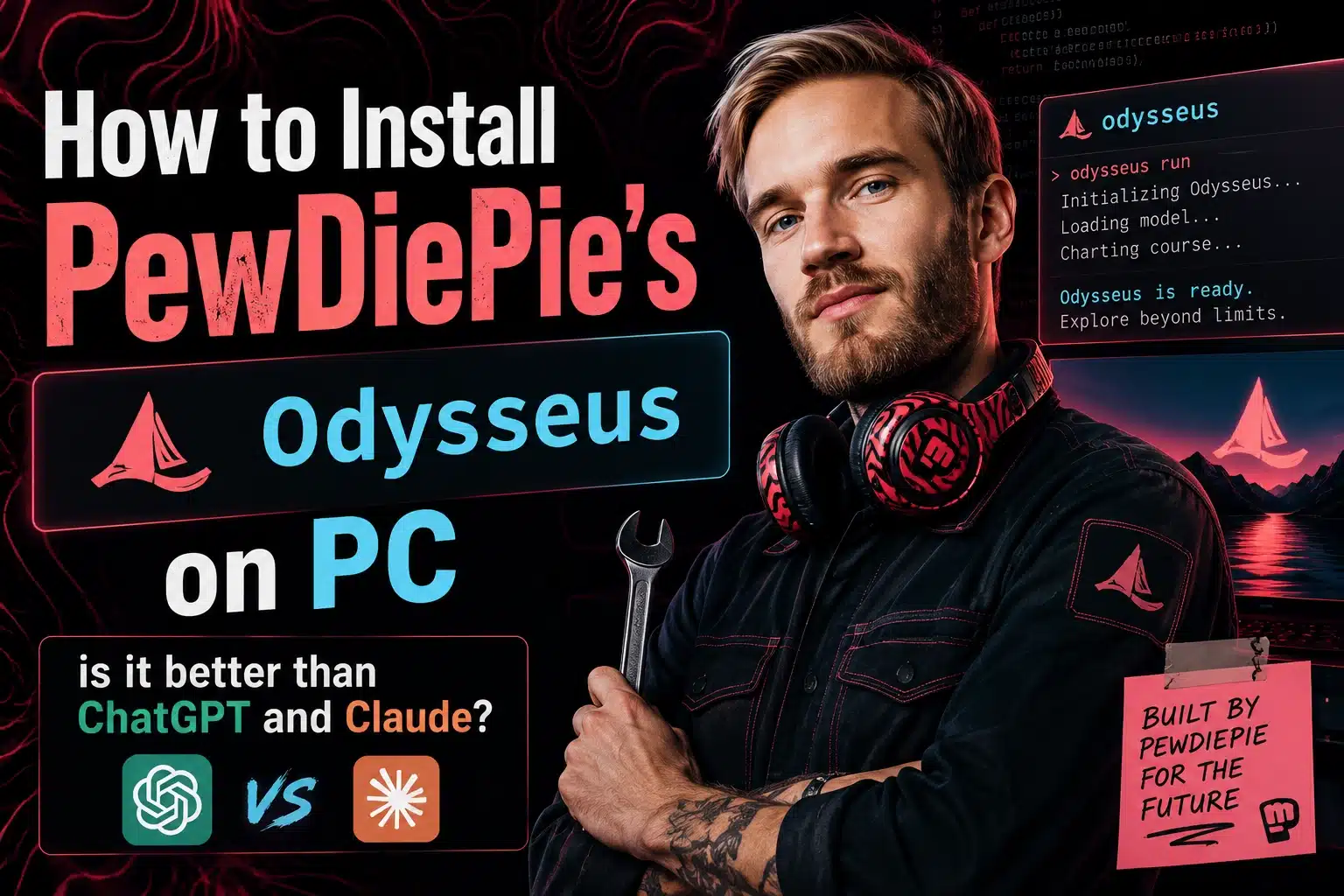
How to Install PewDiePie’s Odysseus on Your PC (Complete Setup Guide)
Quick Answer
PewDiePie’s Odysseus is a free, open-source AI workspace that runs entirely on your own computer. To install Odysseus on Windows, you need to install Git and Python 3.11, clone the Odysseus repository from GitHub, create a Python virtual environment, install the required dependencies, run the setup script, start the local server, and connect an AI model using Ollama. Once configured, Odysseus provides a private AI environment for chatting with local models, managing documents, conducting research, and running AI agents without relying on cloud services.
Key Takeaways
- Odysseus is a free and open-source AI workspace created by PewDiePie.
- All conversations, files, and AI workflows can run locally on your PC.
- Windows users need Git and Python 3.11 before installation.
- Ollama is the easiest way to connect local AI models such as Qwen, Gemma, and Llama.
- Odysseus supports AI agents, document analysis, research workflows, and memory systems.
- A simple batch file can automate startup with one click.
- Running AI locally provides greater privacy and control than most cloud-based AI platforms.
What Is Odysseus?
Odysseus is a self-hosted AI workspace developed as an open-source project that allows users to run AI models directly on their own computers. Unlike cloud-based AI assistants that process data on external servers, Odysseus follows a local-first approach designed to keep conversations, files, memories, and workflows under the user’s control.
The platform acts as a central hub for AI-powered productivity. Users can chat with local language models, interact with documents, conduct deep research, create memory systems, and automate workflows through AI agents.
For creators, developers, researchers, and privacy-conscious users, Odysseus offers a flexible alternative to subscription-based AI platforms.
Why Is Odysseus Becoming So Popular?
The rapid growth of local AI has created demand for tools that combine privacy, flexibility, and affordability.
Several factors have contributed to Odysseus gaining attention:
1. No Monthly Subscription
Unlike many commercial AI tools, Odysseus is completely free.
2. Local Data Privacy
Your files and conversations remain on your computer rather than being stored on third-party servers.
3. Support for Multiple Models
Users can connect models such as:
- Qwen
- Gemma
- Llama
- DeepSeek
- Mistral
4. Open Source Development
The project is publicly available, allowing developers to contribute improvements and customize features.
5. AI Agent Workflows
Odysseus goes beyond simple chat interactions by supporting more advanced research and automation capabilities.
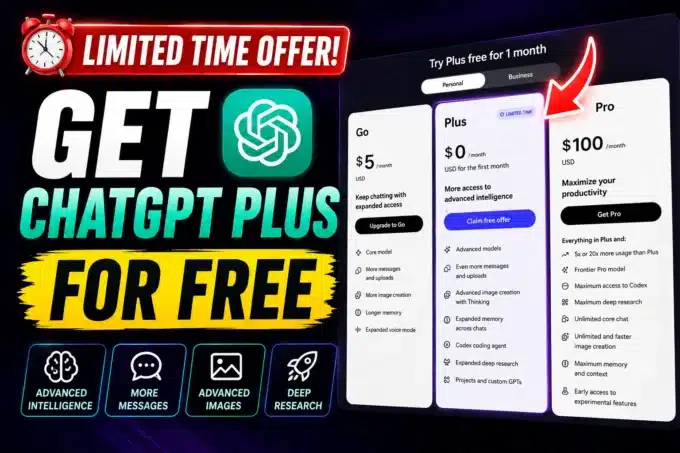
Most Viewed: How To Get ChatGPT Plus For Free
System Requirements
Minimum Requirements
| Component | Requirement |
|---|---|
| Operating System | Windows 10 or Windows 11 |
| RAM | 8GB |
| Storage | 10GB Free Space |
| Python | Version 3.11 |
| Internet | Required for Downloads |
Recommended Requirements
| Component | Recommendation |
|---|---|
| RAM | 16GB+ |
| Storage | SSD |
| GPU | Dedicated GPU |
| Processor | Modern Multi-Core CPU |
Systems with higher specifications will deliver faster responses and support larger AI models.
Installation Checklist
Before starting, make sure you have:
✅ Windows PC
✅ Administrator access
✅ Git installed
✅ Python 3.11 installed
✅ Stable internet connection
✅ 10GB or more available storage
✅ Ollama downloaded (recommended)
Completing this checklist beforehand will reduce setup issues later.
How to Install PewDiePie’s Odysseus on Your PC
Step 1: Install Git
Git allows your computer to download and manage projects hosted on GitHub.
How to Install Git
- Download Git for Windows.
- Launch the installer.
- Keep default settings.
- Click Next until installation completes.
- Restart PowerShell if necessary.
Git is now ready to download the Odysseus repository.
Step 2: Clone the Odysseus Repository
Open Windows PowerShell and run the official repository clone command.
This command downloads the complete Odysseus project onto your computer.
After the download finishes:
- Open File Explorer.
- Navigate to your user directory.
- Locate the Odysseus folder.
This folder contains all files needed for installation.
Step 3: Move Into the Project Folder
Use the change-directory command supplied in the repository instructions.
This places PowerShell inside the Odysseus folder so all future commands execute correctly.
Verifying your location before continuing can prevent installation errors.
Step 4: Install Python 3.11
Python powers the backend functionality of Odysseus.
Important Installation Tip
During installation, check:
Add Python.exe to PATH
This option allows Windows to recognize Python commands globally.
Failing to enable this setting is one of the most common causes of installation issues.
Step 5: Create a Virtual Environment
A virtual environment isolates Odysseus dependencies from other Python projects.
Benefits include:
- Cleaner installation
- Easier updates
- Reduced software conflicts
- Better security
Run the virtual environment creation command from the official instructions.
Afterward, activate the environment using the provided activation command.
You should see an indicator showing the environment is active.
Step 6: Install Required Packages
Run the package installation command.
This process downloads:
- AI dependencies
- Backend libraries
- Supporting modules
- Configuration tools
Depending on internet speed, installation may take several minutes.
Avoid closing PowerShell during this stage.
Step 7: Run Initial Setup
Execute the setup script provided by Odysseus.
The script prepares:
- User configuration
- Authentication system
- Environment settings
When prompted:
- Create a username.
- Create a strong password.
- Confirm the password.
These credentials will be used to access the dashboard.
Step 8: Launch Odysseus
Run the startup command from the repository.
The first launch may take longer because additional files and dependencies could be downloaded automatically.
Once completed, leave the PowerShell window open.
Closing it will stop the server.
Step 9: Open the Dashboard
Visit:
Enter your username and password.
If everything has been installed correctly, the Odysseus dashboard will load successfully.
At this stage, the workspace is operational but still needs an AI model.
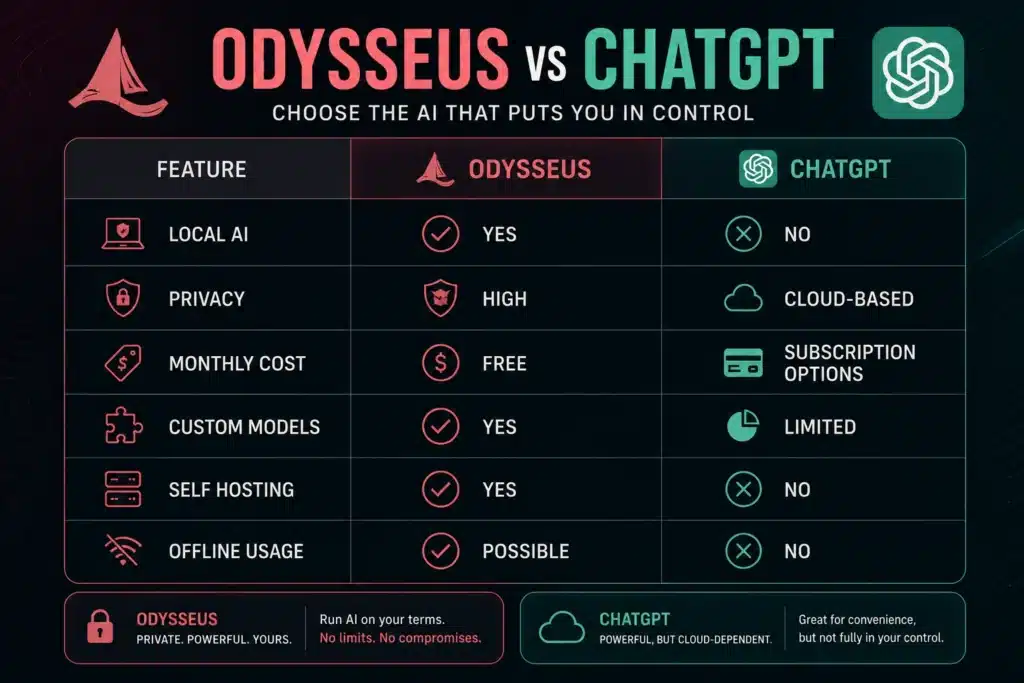
Odysseus vs ChatGPT
Common Installation Errors and Fixes
Python Not Found
Cause:
Python was not added to PATH.
Fix:
Reinstall Python and enable “Add Python.exe to PATH.”
Git Command Not Recognized
Cause:
Git installation incomplete.
Fix:
Reinstall Git and restart PowerShell.
Dashboard Not Loading
Cause:
Server not running.
Fix:
Start the Odysseus server again and verify PowerShell remains open.
Model Not Appearing
Cause:
Ollama not detected.
Fix:
Use the “Scan for Servers” option inside Odysseus settings.
FAQs
Is Odysseus AI free?
Yes. Odysseus is completely free and open source under the MIT license.
Do I need a GPU to run Odysseus?
No. You can run Odysseus without a dedicated GPU, although larger models will perform much better with one.
Can I use cloud AI models?
Yes. Odysseus supports both local models and external AI APIs.
Which local model should beginners use?
Qwen 2.5 3B and Gemma 2 2B are excellent beginner-friendly options due to their small size and reasonable performance.
Is Odysseus better than ChatGPT?
Odysseus focuses on privacy, customization, and local control, while ChatGPT focuses on convenience and cloud-based AI services. The better choice depends on your needs.
Odysseus represents one of the most exciting developments in local AI. By combining a user-friendly interface with support for local models, AI agents, memory systems, and document workflows, it gives users complete ownership of their AI experience. For anyone interested in privacy, customization, or experimenting with self-hosted AI, installing Odysseus is well worth the effort.








Leave a comment