

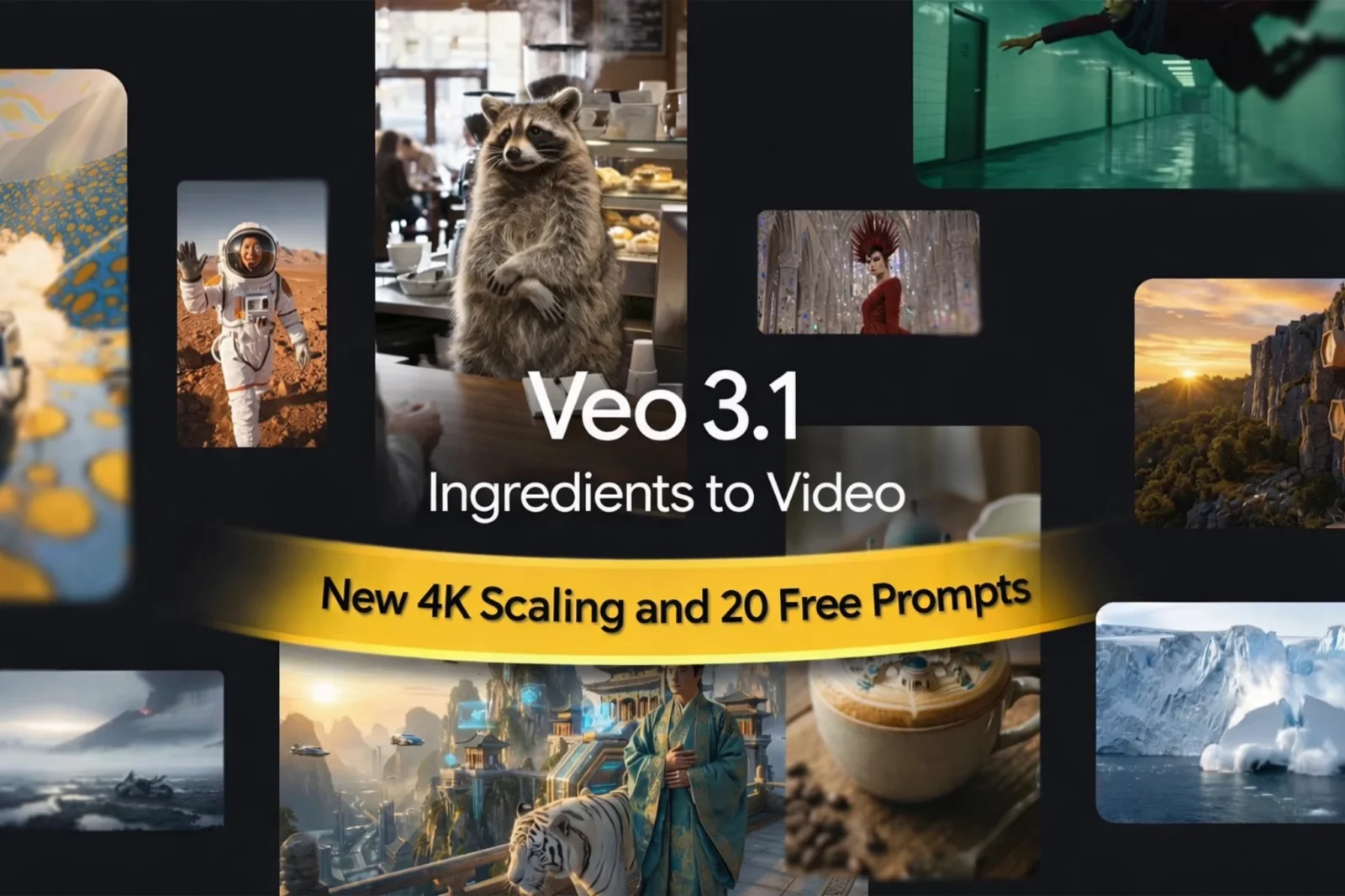
Google Gemini Veo 3.1 Vertical Videos, 4K Scaling and Prompt Control Explained
Google has taken a decisive step forward with the Gemini Veo 3.1 update, aligning AI video generation with how content is actually created and consumed today. This release is not built for demos alone. It is designed for creators, marketers, developers, and enterprises that need reliable, repeatable, high-quality video output in social-first formats.
Based on early hands-on testing inside Google Vids and the Gemini app, Veo 3.1 demonstrates noticeably improved motion stability, stronger character consistency, and cleaner transitions compared to previous iterations. Output feels intentional rather than probabilistic, which is a critical shift for professional use.
With native veo 3.1 vertical videos, enhanced Ingredients to Video, expressive prompt control, and state-of-the-art 1080p and 4K upscaling, Veo 3.1 moves Gemini from experimental AI video into a practical production tool.
What is Veo 3.1 Vertical Videos update?
Veo 3.1 lets you create more expressive videos from images, directly on your phone. You can now generate Veo 3.1 Vertical Videos for platforms like YouTube Shorts, and upscale to 1080p or 4K. Try the updated Veo 3.1 in the Gemini app, YouTube Shorts, Flow, the Gemini API, Vertex AI, and Google Vids.
What Is Google Gemini Veo 3.1?
Veo 3.1 is Google’s latest generative video model within the Gemini ecosystem. It allows users to transform images and text prompts into high-quality video clips while maintaining visual continuity and creative control.
Veo powers video generation across:
- Gemini App
- Google Vids
- Flow
- Gemini API
- Vertex AI
The 3.1 release focuses on three core improvements:
- Native portrait and vertical video generation
- More expressive reference-image-based storytelling
- Professional-grade upscaling to 1080p and 4K
According to Google’s official Veo 3.1 announcement, these updates were built specifically to reduce prompt friction and improve consistency across frames and scenes.
Latest: New Google AI Shopping Agent 2026
Veo 3.1 Vertical Videos: Built for Social Platforms
Native Portrait Video Support
Veo 3.1 introduces true vertical video generation rather than cropped horizontal output. This directly addresses a major limitation of earlier AI video tools.
Google Gemini Veo 3.1 Vertical Videos.
Creators can now generate portrait videos optimized from the start for:
- TikTok
- Instagram Reels
- YouTube Shorts
- LinkedIn vertical video
When a vertical image is uploaded, Veo automatically preserves aspect ratio, subject framing, and visual balance. In testing, this results in significantly better composition and fewer regeneration attempts.
Ingredients to Video: More Expressive, More Reliable
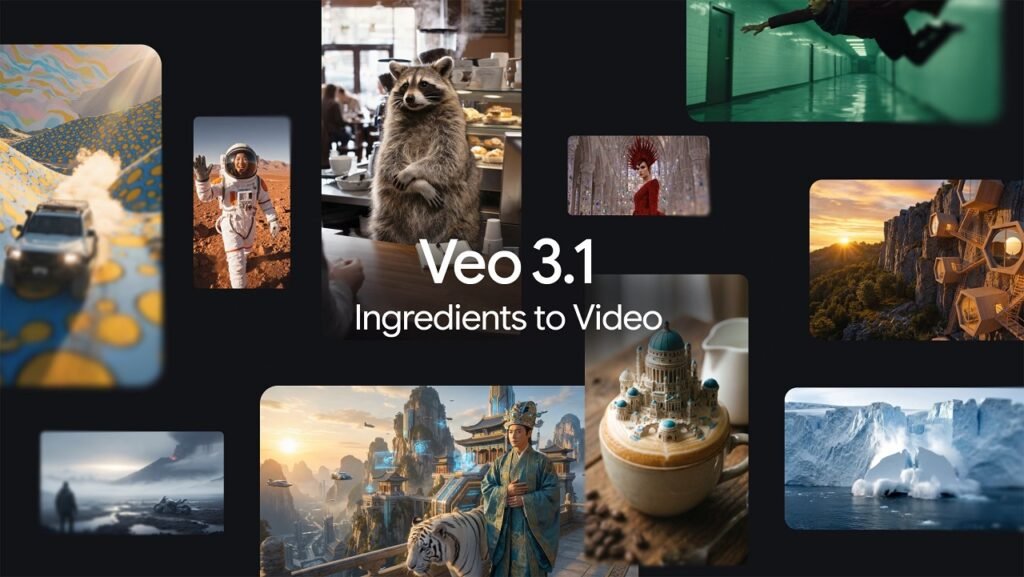
Veo 3.1 significantly improves how reference images are interpreted. Characters remain visually consistent across scenes, backgrounds stay stable during subject transformations, and motion feels grounded rather than synthetic.
These improvements reduce the need for long, complex prompts. Shorter instructions now produce richer and more accurate results, which is especially valuable for teams producing content at scale.
State-of-the-Art 1080p and 4K Upscaling
One of the most practical upgrades in Veo 3.1 is its state-of-the-art upscaling pipeline with Veo 3.1 vertical videos. All Veo models now support clean upscaling to 1080p and 4K.
This capability is available across:
- Flow
- Gemini API
- Vertex AI
For U.S.-based businesses, this removes the need for third-party enhancement tools and makes AI-generated video viable for paid advertising and brand campaigns.
Verified Google AI Video: Transparency Built In
Google now embeds verification signals directly into AI-generated videos. This allows platforms and viewers to identify Google AI-generated content while preserving trust and compliance.
This feature aligns with Google’s responsible AI framework and supports brand safety and advertising disclosure requirements.
Latest: ChatGPT vs Grok Comparison 2026
How Veo 3.1 Compares to Other AI Video Models
Unlike cinematic-first models such as OpenAI Sora or Runway, Veo 3.1 prioritizes social-native formats, consistency, and workflow integration. Rather than chasing spectacle, Google is building infrastructure designed for daily production use.
This strategic focus positions Veo as a practical alternative for creators and enterprises that need predictable output over visual novelty.
Veo 3.1 Ready-to-Use Prompts
The following prompts are optimized specifically for Veo 3.1 Ingredients to Video, portrait mode, expressive motion, and 1080p or 4K upscaling.
1. Cinematic Vertical Portrait
Create a vertical cinematic video of the uploaded subject with soft natural lighting, subtle camera push-in, gentle fabric movement, realistic skin texture, shallow depth of field, and calm emotional expression.
2. Social Media Lifestyle Reel
Generate a vertical lifestyle clip with smooth handheld motion, natural daylight, casual body movement, realistic facial expressions, and an urban background optimized for Reels.
3. Brand Storytelling Clip
Turn the uploaded product image into a vertical brand video with slow parallax motion, clean studio lighting, minimal background, and premium commercial styling.
4. Character Consistency Scene
Create a vertical video where the same character moves between environments while maintaining identical facial features, clothing details, and proportions.
5. Fashion Editorial Motion
Produce a vertical fashion editorial clip with controlled wind movement in clothing, confident posture, cinematic lighting, and magazine-style color grading.
6. Short-Form Narrative
Create a vertical storytelling video showing emotional reaction through subtle facial expressions, realistic eye movement, and natural pacing.
7. Travel Reel Vertical
Generate a vertical travel clip with wide-to-close camera movement, vibrant natural colors, dynamic background motion, and stable framing.
8. Minimalist Tech Product Video
Create a vertical product showcase with slow rotational motion, soft reflections, clean background, and precise lighting control.
9. AI Portrait Animation
Animate the uploaded portrait with natural blinking, slight head movement, realistic breathing motion, and documentary-style realism.
10. Cinematic Mood Scene
Create a vertical cinematic scene with moody lighting, subtle fog movement, slow camera drift, and emotional atmosphere.
11. Educational Explainer Clip
Generate a vertical explainer video with steady framing, controlled motion, professional tone, and clear subject focus.
12. Creative Environment Transformation
Transform the environment while keeping the subject unchanged, smooth transitions, realistic physics, and consistent lighting.
13. Urban Night Scene
Create a vertical nighttime city clip with neon reflections, realistic street lighting, subtle motion blur, and cinematic contrast.
14. Fitness Motivation Reel
Generate a vertical fitness clip with dynamic but stable camera motion, realistic muscle movement, and energetic pacing.
15. Documentary-Style Visual
Produce a vertical documentary clip with natural lighting, handheld realism, subtle imperfections, and grounded tone.
16. Stylized Background Blend
Combine a stylized illustrated background with a realistic subject using smooth blending and consistent lighting.
17. Calm Wellness Visual
Create a vertical calming video with slow motion, soft light, peaceful atmosphere, and gentle environmental movement.
18. Creative Advertising Concept
Generate a vertical ad-style clip with intentional camera movement, strong visual hierarchy, and bold but controlled aesthetic.
19. Cinematic Close-Up
Create a vertical close-up focusing on facial emotion, shallow depth of field, subtle muscle movement, and intimate framing.
20. Seamless Social Loop
Produce a vertical loopable video with smooth motion continuity and seamless start and end frames for Shorts autoplay.
Frequently Asked Questions
Is Veo 3.1 available to free Gemini users?
No. Veo 3.1 is rolling out to Google AI Plus, Pro, and Ultra accounts.
Does Veo 3.1 support TikTok and Reels resolution?
Yes. Native portrait mode ensures proper aspect ratios for TikTok, Reels, and Shorts.
Can Veo 3.1 generate true 4K video?
Veo generates high-quality output and supports state-of-the-art upscaling to 4K.
Is Veo 3.1 suitable for commercial use?
Yes. With verification signals and enterprise API support, Veo 3.1 is designed for professional and commercial workflows.
Sources
- Google AI Blog – Veo 3.1 Ingredients to Video
- Google Workspace Announcement
- Gemini App Update
- Google Cloud Video Overview
Author: AI & Search Technology Analyst
Expertise: Generative AI, Search Algorithms, Video AI Systems
Audience: U.S. creators, marketers, developers, and enterprise teams








Leave a comment