
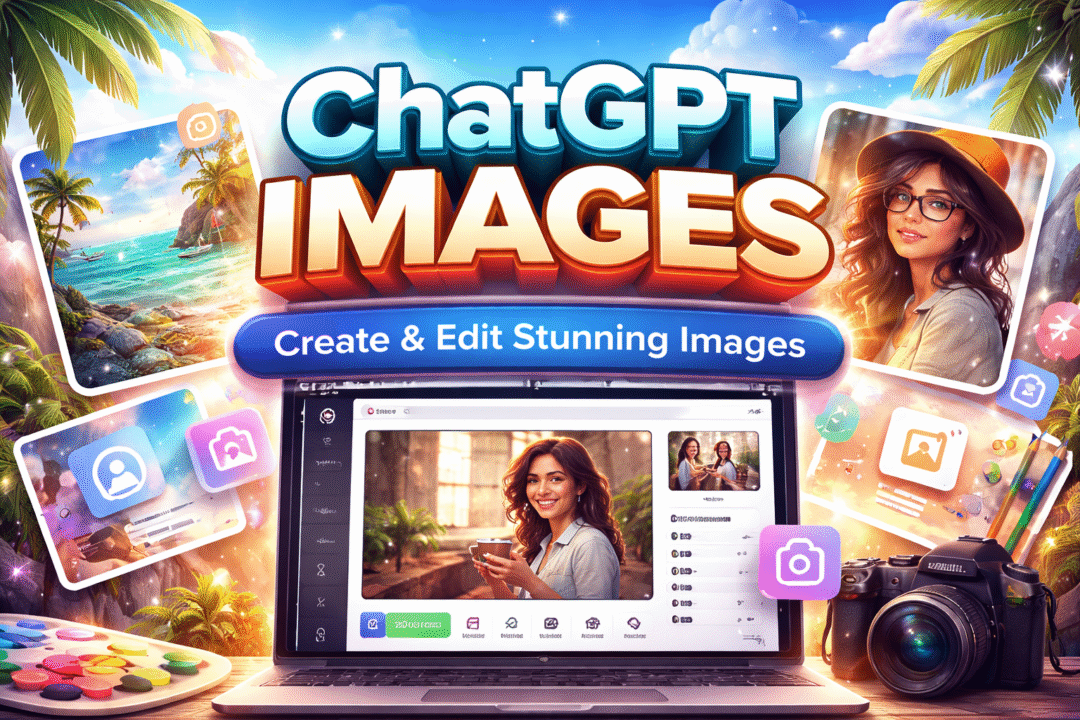
ChatGPT Images (2025): A friendly, no-nonsense guide to creating and editing images with OpenAI’s newest visual tools
New Chatgpt Images— what this new feature really is
OpenAI’s ChatGPT Images update turns ChatGPT into more than a text assistant it’s now a visual creative studio. You can generate images from prompts, upload photos and ask for targeted edits, and iterate inside the conversation window until you get what you want with new chatgpt images feature. The update is built on a new family of image models (commonly referenced as GPT Image 1.5 and the multimodal GPT-4o image capabilities) and a redesigned in-chat image editor that emphasizes speed, instruction-following, and realistic edits.
Why users are excited for new chatgpt images update?
Faster outputs — OpenAI reports generation speeds up to 4× faster in many cases, making iterative workflows much less painful.
Better edits — The editor preserves faces, logos, lighting and small details, which means fewer “weird” results when you ask for nuanced changes.
Integrated experience — Generate, edit and export inside one chat thread — no tool swapping.
Who will get the benefit from The New Chatgpt Images update?
- E-commerce sellers creating on-brand product shots and lifestyle variants.
- Marketers and content creators who need fast thumbnails and A/B visual sets.
- Designers who want quick mockups and concept variations.
- Small businesses that don’t have in-house photographers or Photoshop skills.
Step-by-step: How to create & edit images in New ChatGPT Images feature (practical)
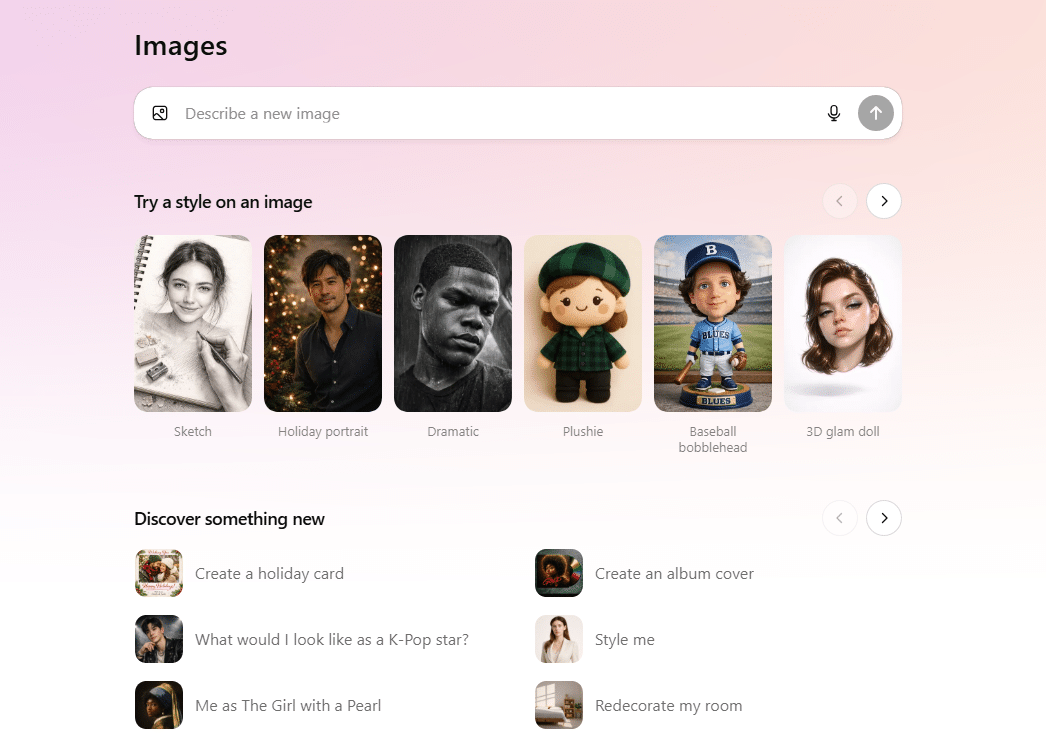
Open ChatGPT (web or mobile) and pick a model that supports images (the interface will show an “Images” flow or a model label).
Generate from scratch: Type a detailed prompt using the formulas below and press enter. ChatGPT returns one or several image variations.
Upload & edit: Click the upload or image button, add your photo, then click Edit (or select an area) and type your instructions — e.g., “remove background, swap shirt color to navy, keep face and lighting.” The editor applies changes and returns edited alternatives.
Iterate: Ask for variations, or say “make this version warmer, +10% brightness, crop to 4:5 for Instagram.”
Export: Download the final image in the format/size you specified.
Prompt formula for The New Chatgpt Images
Use this template for the new chatgpt images feature:
[Action] + [Subject] + [Style / Mood] + [Crucial details] + [Technical spec (size/format)]
Example (create):Create a 1920×1080 photorealistic hero image of a coffee shop interior at golden hour, soft bokeh through the window, warm tones, space on the right for text.
Example (edit):Edit the uploaded photo: remove background behind subject, change jacket to deep olive green, preserve shadows and skin tones, export PNG 2000×3000.
Tip: be specific about colors, camera style (e.g., “50mm shallow DOF”), and final use (thumbnail, banner, print).
The update adds a new image model generation endpoint and deeper multimodal context handling. That means the model uses both the textual conversation and any uploaded images to produce context-aware edits and new compositions. Instruction-following and mask-based editing have been notably improved compared to earlier diffusion-based releases.
Privacy: Uploaded images are processed on OpenAI’s servers — check account privacy settings and avoid uploading private or sensitive material unless you accept the terms.
Final tips — workflows that save time
Build visual templates (same composition + swap subject/colors) to produce consistent brand assets.
Keep a short library of prompt snippets for your brand voice (lighting, color palette, camera specs).
When editing real photos, start with small edits (background, color, crop) before asking for big stylistic overhauls — it preserves the original photo’s realism.
Credible Sources:
OpenAI — “The new ChatGPT Images is here” (official product page)
OpenAI Help Center — image editing and ChatGPT Images release notes.
Windows Central / other tech outlets reporting the performance claims.








Leave a comment